


BBB Plugin has released a new version that includes tools for reviewing recording playback, changes to how the BBB Plugin is identified within Moodle, and several technical fixes.
Below are the main changes included in this update.
Recording playback tracking
This feature allows instructors to review how students watch BigBlueButton recordings from Moodle.
The report shows the percentage watched, the segments viewed, and each student’s most recent access date. It also helps identify skipped sections and parts watched more than once.
Use the following link to learn more about this new feature.
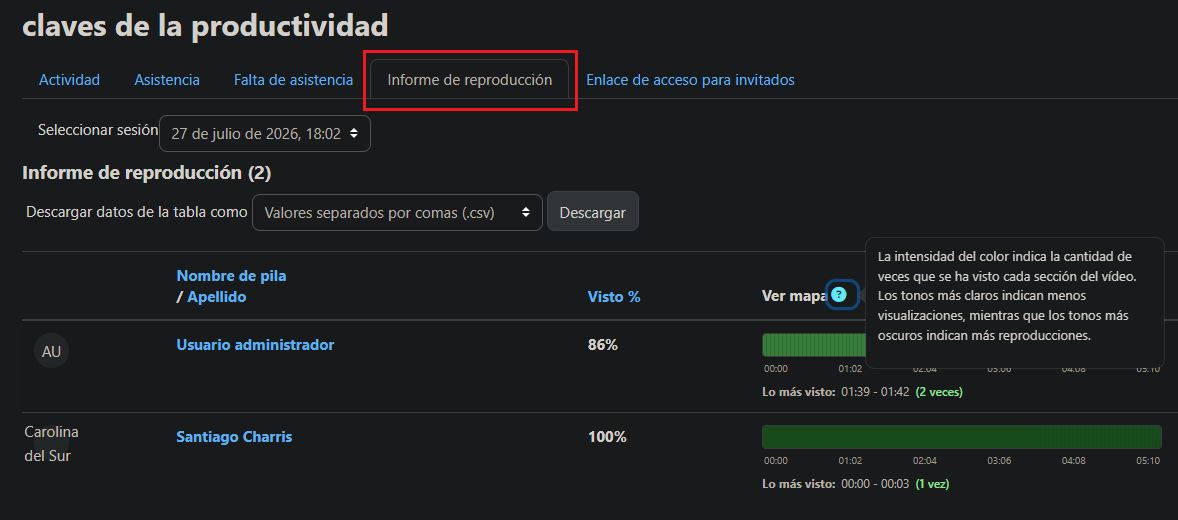
This information can be useful for instructors and institutions that need to verify whether students reviewed previous classes or track recording completion when viewing is part of an academic requirement.
New column in attendance reports
Attendance and absence reports now include a “viewed recording” column. From this column, instructors can check whether a participant completed the recording based on the configured percentage.
To use this option, recording playback tracking must be enabled in the BBB Plugin settings.
Tracking only applies to meetings held after the feature is enabled and does not work retroactively.
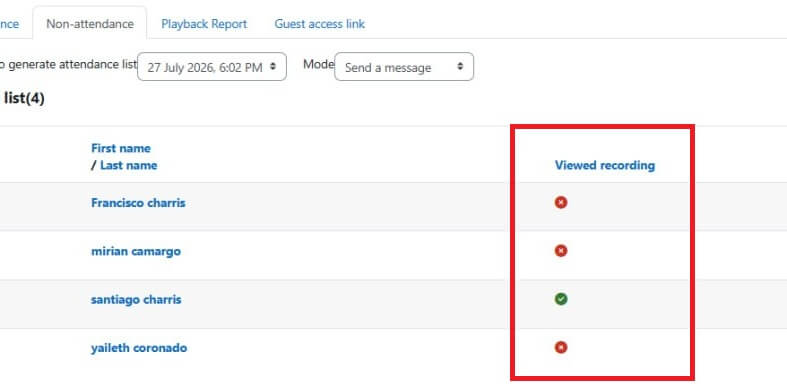
You can review the available settings and data in our article about recording playback tracking.
New plugin name and visual identity
The plugin now appears in Moodle under the name bbbplugin instead of bigbluebuttonbn. This update also introduces a new logo to make the plugin easier to identify.
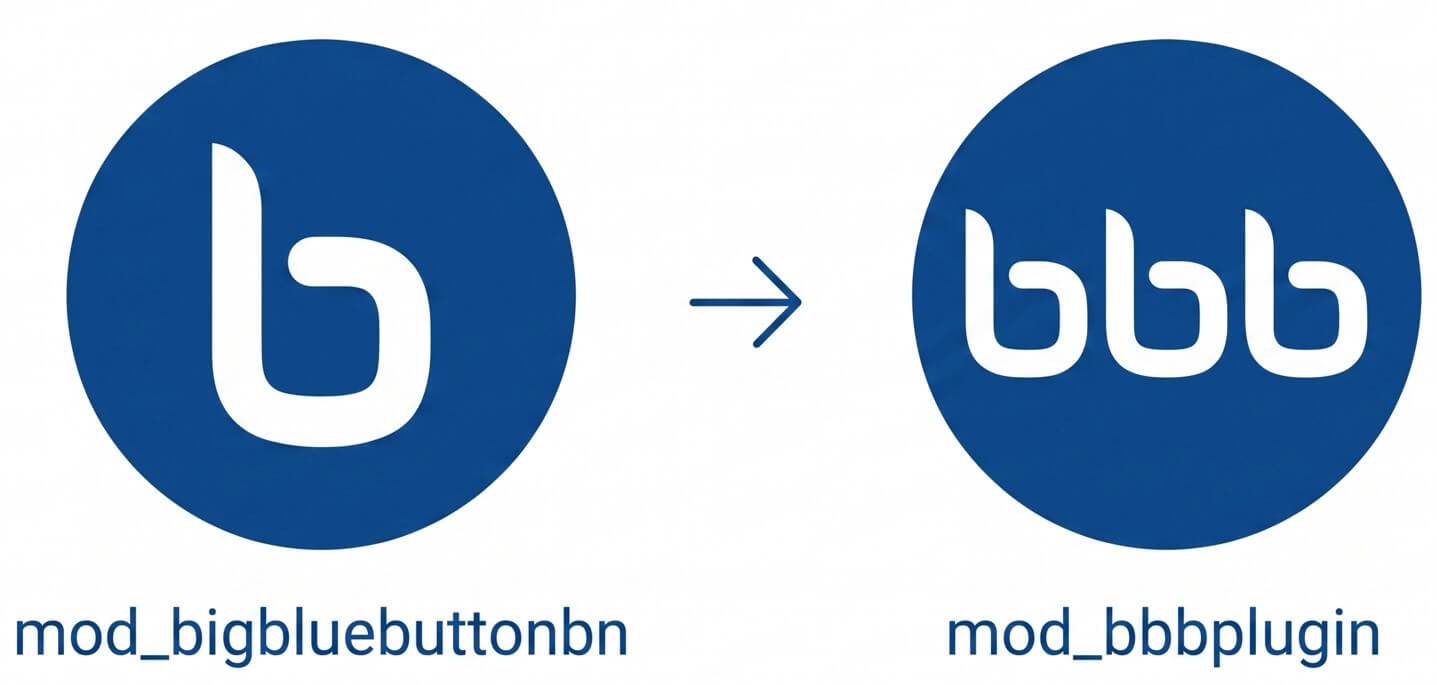
If you currently use the mod_bigbluebuttonbn module, you can request information about the migration process through our support system.
Technical fixes and improvements
The fixes included in this version cover improvements to server validation, error handling when retrieving content from server groups, and other internal adjustments.
Update BBB Plugin or learn more about the service
If you are already a customer, you can request the update through our support system.
If you do not yet use the service, review our plans and pricing to integrate BigBlueButton with Moodle and access the features available in BBB Plugin.